menu

How to Order Your Food

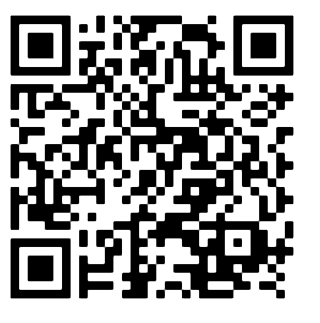
  • Scan the QR code placed on your table using your smartphone camera.
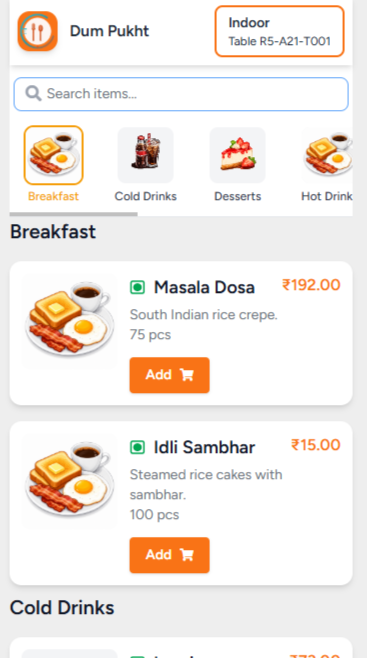
  • The restaurant's digital menu will open automatically in your browser.
  • Browse the menu and select your favorite dishes.
  • Add the items to your cart.
  • Review your order and tap Place Order.

Open the Digital Menu

  • The restaurant menu opens automatically after scanning the QR code.
  • Browse the menu and choose your favorite dishes.
  • Tap Add to select items.
  • Review your cart and Place Your Order
bukhara-table-menu-items
check-out-cart

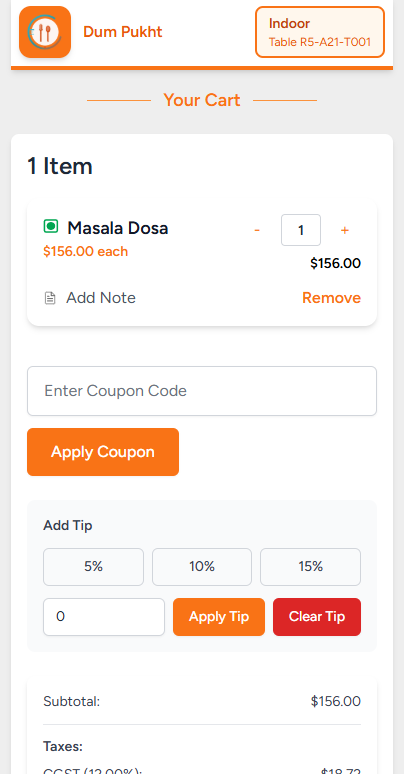
Review Your Cart

  • Open View Cart to see your selected items.
  • Update quantities or remove items as needed.
  • Apply coupons or add a tip (optional).
  • Review your bill and click Place Order.

Contact Us

Have questions? Fill out the details below and we will get back to you.